If you work with global distribution systems (GDS) like Amadeus, Sabre, or Travelport Galileo, understanding Retention Segments is essential. They allow travel agents to keep PNRs active without adding new flight segments, which is critical for managing bookings, exchanges, and reporting.
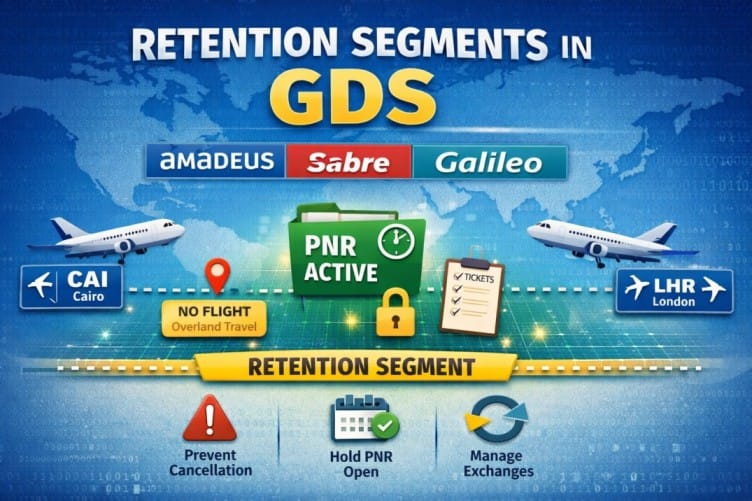
What Is a Retention Segment?
A Retention Segment is a non-air segment added to a PNR to “retain” it in the system.
It is used to:
- Keep a PNR active when no new flights are added
- Prevent automatic cancellation of the booking
- Link tickets to an existing file
- Preserve information for accounting or reporting purposes
In short, a retention segment keeps your booking alive in the GDS even if no active flight segments exist.
When to Use Retention Segments
Travel agents commonly use retention segments in cases like:
- After canceling air segments but still needing to keep the PNR
- Issuing tickets without creating new flight segments
- During exchanges or refunds
- Preserving client information for future travel
Retention segments do not affect pricing, since they are not actual flights, but they are crucial for keeping the PNR in an active state.
How to Add Retention Segments in Different GDS
Each GDS has its own command to create a retention segment. Here are the most common:
Amadeus
RU1AHK1SHJ08APR/FREE TEXT
Explanation:
- RU = Retention (used to extend or maintain the PNR activity)
- 1A = Office ID or agent office code
- HK1 = Confirmed segment for 1 passenger
- SHJ = Departure city (origin of the trip)
- 08APR = Date until which the PNR will remain active
- /FREE TEXT = Any note added for reference
Sabre
Command:0OTHYYGK1SHJ26SEP-FREE TEXT
Explanation:
- 0 = Retention segment entry (sell segment command)
- OTH = “Others” segment type
- YY = Generic airline code (not specific to any airline)
- GK1 = Ghost segment for 1 passenger
- SHJ = Departure city
- 26SEP = Date until which the PNR will remain active
- -FREE TEXT = Optional note for reference
Galileo
RT.T/16may*free text
RT.T= Retention segment command/16may= reference date*free text= optional note
After adding the retention segment, the PNR remains active and can be updated or ticketed later.
Why Retention Segments Are Important
- Prevents PNR cancellation: Systems automatically purge inactive PNRs. Retention segments stop that.
- Keeps client history: Important for agencies to track travel patterns.
- Facilitates exchanges/refunds: Allows tickets to remain linked to the original booking.
- System compliance: Some GDSs require a segment to maintain fare rules or ticketing rules.
Best Practices
- Always add meaningful free text to identify the reason for retention.
- Use the correct command for each GDS to avoid errors.
- Keep retention segments updated when the PNR changes.
- Remove segments once they are no longer needed to keep your PNR clean.
Read also:
Void in Amadeus System – Simple Guide for Travel Agents