Sabre
Find Sabre GDS courses, tutorials, and related articles to improve your skills in flight booking, ticketing, fare calculations, and travel management for the aviation and tourism industry.
Find Sabre GDS courses, tutorials, and related articles to improve your skills in flight booking, ticketing, fare calculations, and travel management for the aviation and tourism industry.

Published: August 19, 2026 Reading time: 6 minutes Let’s be honest—currency conversion is one of those tasks that can trip up even the most seasoned travel agents. Between multi-currency fares, tax calculations, refund adjustments, and the constant need to check today’s bank selling rate, having the right command at your fingertips makes all the…
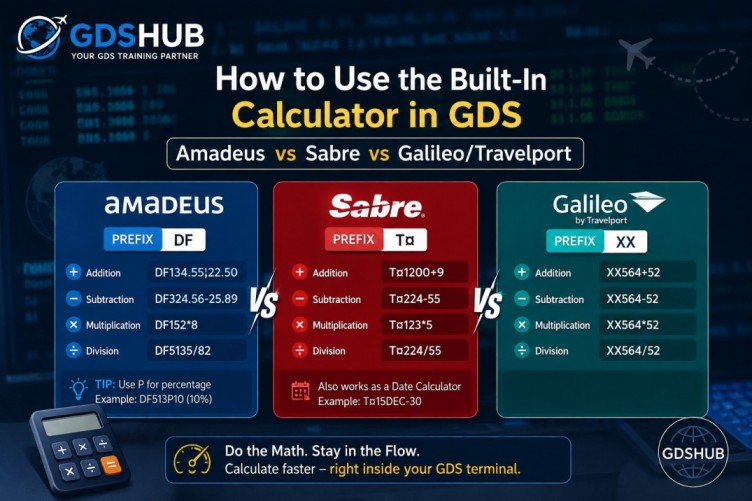
Published: August 19, 2026 Reading time: 5 minutes If you’ve spent any real time in front of a GDS terminal, you already know that speed isn’t just a luxury—it’s currency. Beyond flight searches and booking entries, the built-in arithmetic functions inside Amadeus, Sabre, and Galileo Travelport are absolute lifesavers that too many agents overlook.…
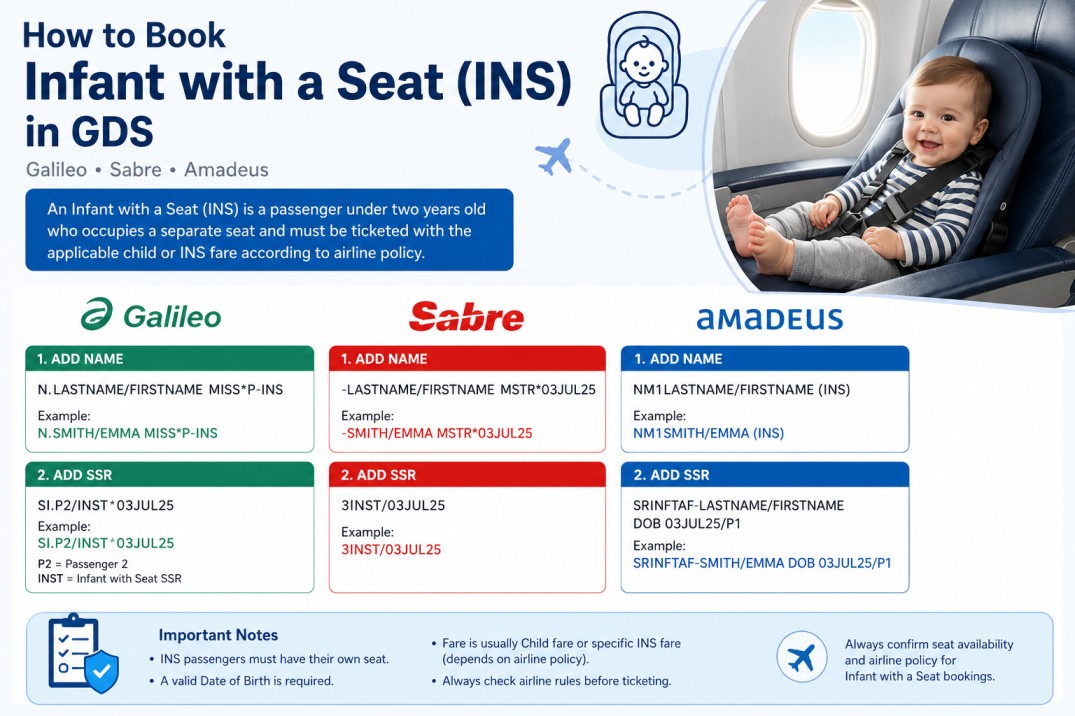
Table of Contents Introduction What Is an Infant with a Seat (INS)? Difference Between INF and INS When Is an INS Required? Age Requirement Galileo Booking Sabre Booking Amadeus Booking Why the Date of Birth Is Required Seat Assignment for INS Ticketing Considerations Common Mistakes Best Practices Frequently Asked Questions Infant with a Seat…
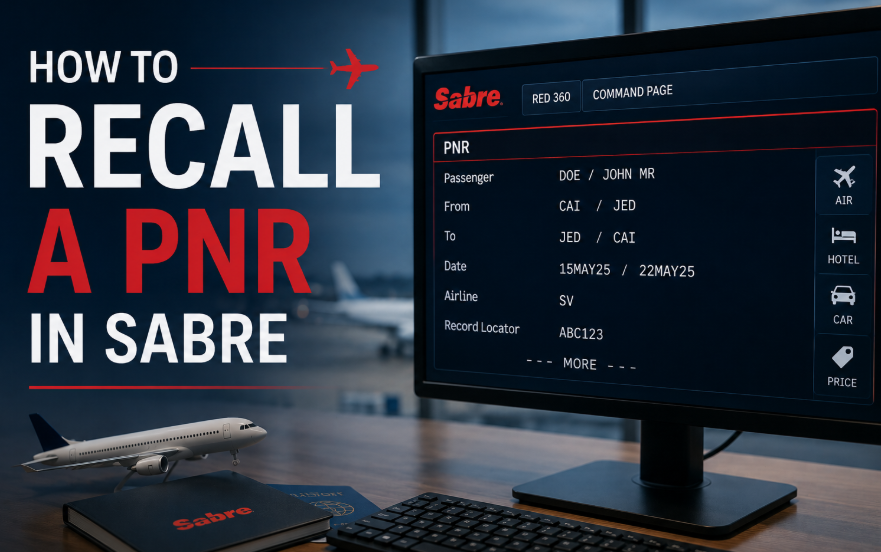
Table of Contents Introduction Recall Commands Examples When Multiple Bookings Are Found Displaying the Rest of a Long PNR Quick Reference Frequently Asked Questions How to Retrieve a Past Date Booking in Sabre: PNR, Ticket & Name Recall 📅 Updated: October 2026 ⏱ 6 min read ✈️ GDS HUB Editorial If you need to…

Copying or cloning a PNR is one of the most useful functions in any GDS system. Travel agents use these commands to duplicate itineraries, copy passenger information, or create new bookings faster without re-entering all details manually. This quick guide covers the most common PNR copy commands in Amadeus, Galileo, and Sabre. Amadeus PNR…
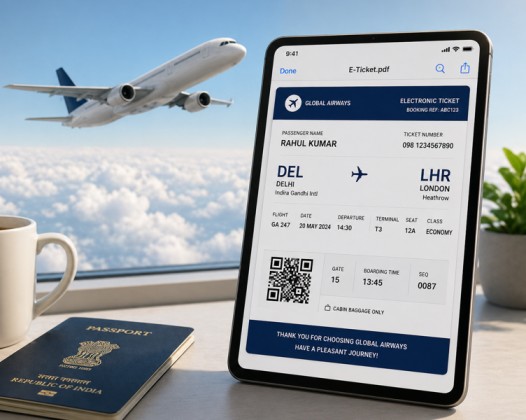
Travel agents handle hundreds of PNRs daily, so using the correct GDS commands is essential for saving time and avoiding mistakes. This guide covers commonly used commands in Amadeus, Galileo, and Sabre for sending itineraries and displaying ticket PDFs. Amadeus Send itinerary without price Display itinerary PDF in browser (without price) Send itinerary for…
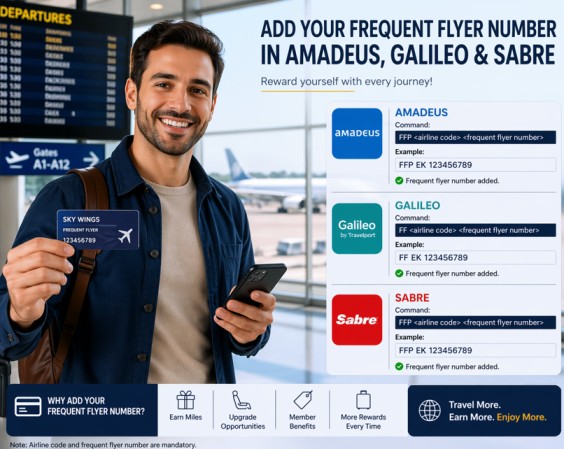
Let’s be honest – adding a frequent flyer number to a booking should be easy, but every GDS does it differently. I’ve been there. You have a passenger standing in front of you, and they say:“I want to earn miles on this flight.” Here’s how you actually do it in Sabre, Galileo, and Amadeus – without…
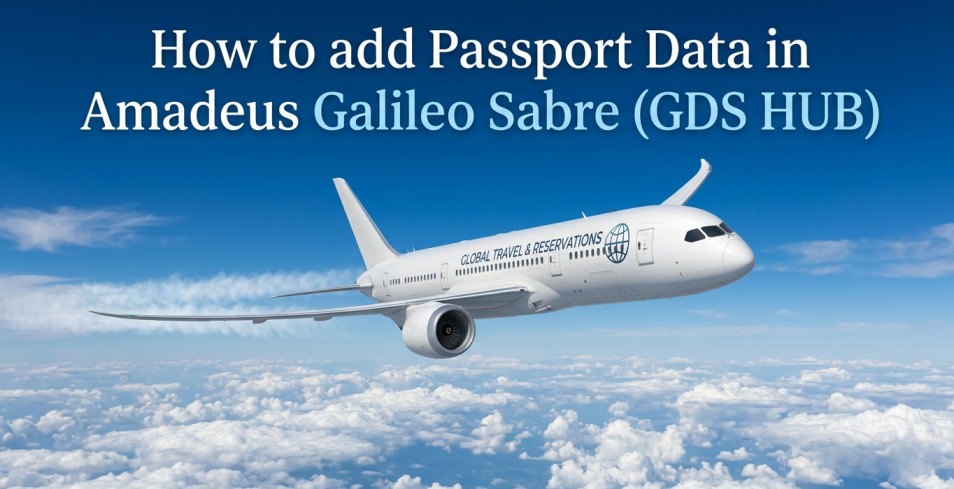
Target Audience: Travel Agents, Airline Ticketing Staff, GDS Users Linking a passenger’s passport information to their booking (PNR) is mandatory for international flights. Each Global Distribution System (GDS) uses a slightly different command. Below is a quick, practical guide for Amadeus, Galileo, and Sabre. 1. Amadeus – Format Use the command SRDOCS followed by the details. The structure is: SRDOCS<airline…
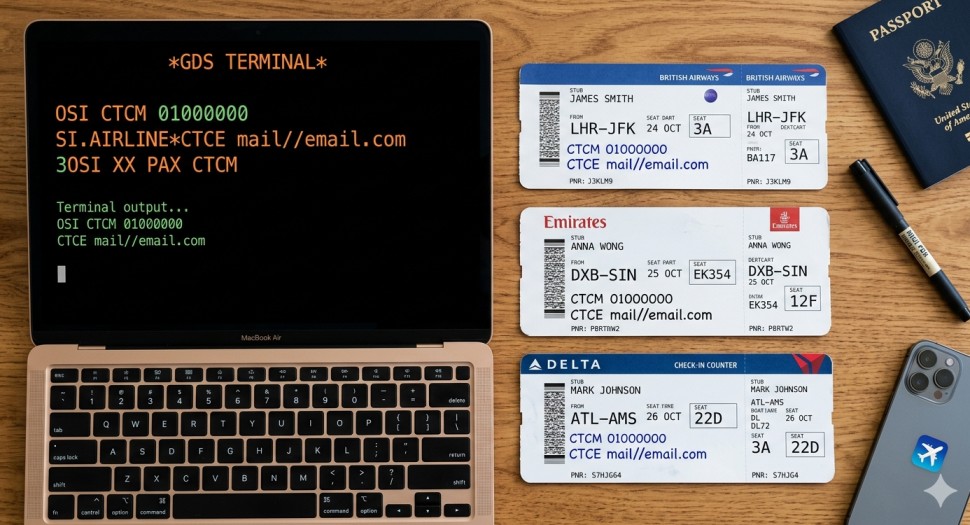
Table of Contents Introduction Amadeus Contact Entries Galileo Contact Entries Sabre Contact Entries Quick Reference Table Two Rules That Never Change Frequently Asked Questions How to Add Contact Details in Amadeus, Galileo & Sabre (CTCM & CTCE) 📅 Updated: October 2026 ⏱ 6 min read ✈️ GDS HUB Editorial You still need to manually…
Table of Contents Introduction PNR Sharing Compared Across GDS Galileo (Travelport) Amadeus Sabre Quick Reference Table Frequently Asked Questions How to Transfer PNR in Galileo, Amadeus & Sabre: Share Between Offices 📅 Updated: October 2026 ⏱ 8 min read ✈️ GDS HUB Editorial Sharing a PNR between offices is a daily task for travel…