-

Automate Ticketing Workflow Using the Amadeus API: Developer Guide
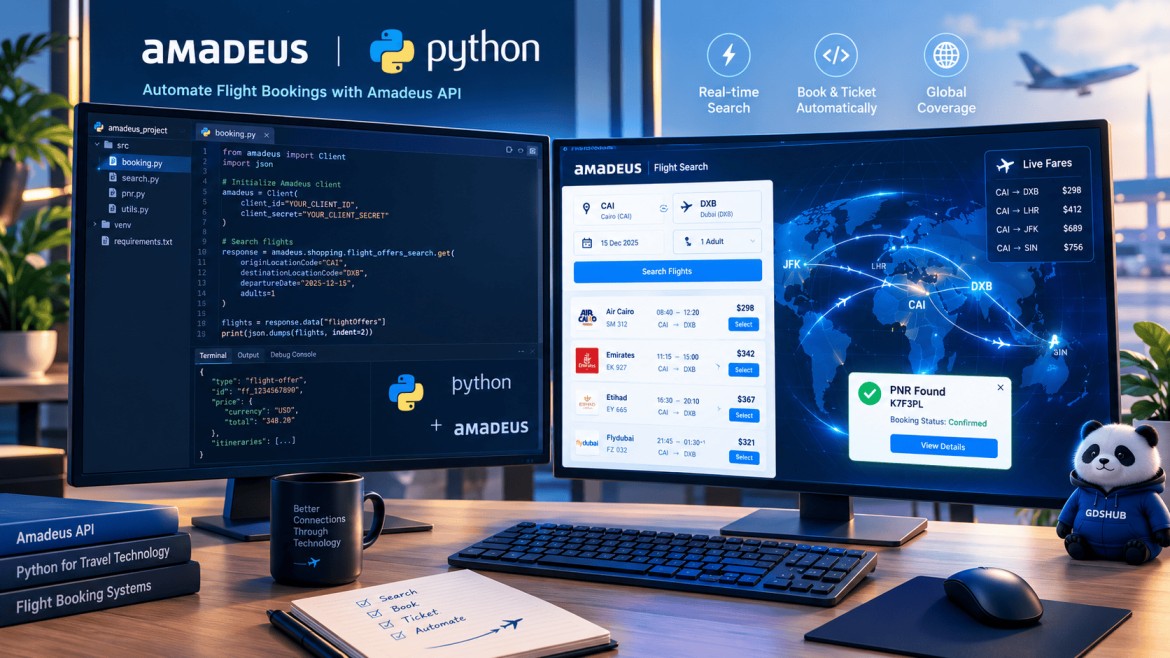
Master end-to-end travel booking automation, flight search execution, real-time pricing verification, and PNR creation using the official Amadeus Python SDK. Figure 1: Full Python script architecture for automated travel distribution. If you want to Automate Ticketing Workflow Using the Amadeus API, this comprehensive developer guide is built specifically for your modern travel technology needs…
-
GDS Integration with CRS: 7 Best Practices for Travel Agencies
Maximize efficiency, automate real-time bookings, and scale your travel business with seamlessly integrated distribution systems. Figure 1: Automated GDS Integration with CRS architecture for travel agencies. In today’s fast-paced digital travel marketplace, speed and accuracy are everything. Travel agencies, online travel agencies (OTAs), and tour operators constantly search for ways to automate workflows and…
-
Amadeus vs Sabre vs Galileo: Which GDS Should You Learn?
Table of Contents Introduction What Is a GDS? Amadeus vs Sabre vs Galileo: Market Share Interface and Command Differences Which GDS Is Easiest to Learn First? Career and Job-Market Considerations Quick Comparison Table How to Start Training Free Frequently Asked Questions Amadeus vs Sabre vs Galileo: 7-Point Career Comparison for Travel Professionals 📅 Updated:…
-
Amadeus QE Command: Mastering Queue Management (QE, QER, QES)
Learn to use the Amadeus QE command for efficient PNR routing. This guide covers the essential QE, QER, and QES functions for managing your daily queue workflow. Key Takeaways QE places a PNR or message on a specific queue or category. QER adds a PNR to a secondary queue while retaining it on the…
-
Amadeus RTQ Command: Complete PNR Queue Placement Guide
Amadeus RTQ Command: Display PNR Queue Placements Master the Amadeus RTQ command to instantly verify where your PNR is sitting. This guide helps you track queue placements and streamline your workflow. In professional queue management, knowing exactly where a PNR resides is vital. The Amadeus RTQ command provides an immediate snapshot of every queue…
-
Amadeus QU Command: Redisplay Queue Message (2026 Guide)
The Amadeus QU command redisplays the current queue message without removing it, changing its category, or moving you to the next item. If you have ever retrieved a PNR, checked availability, or cleared your screen in the middle of queue processing, QU is the entry that brings the message back so you can finish…
-
Amadeus QR Command: How to Safely Clear Queue Items (Guide)
Master the Amadeus QR command to manage your queues effectively. Learn how to purge PNRs safely and avoid common pitfalls with this critical bulk-action tool. Most GDS entries are routine, but the Amadeus QR command demands your full attention. Unlike standard navigation tools, this is a bulk-action entry that wipes all PNRs or messages…
-
Amadeus QF QFR Commands: Efficient Queue Exit & PNR Management
Amadeus QF QFR Commands for Queue Management Master the Amadeus QF QFR commands to finalize transactions and exit queue mode. Learn how to save work and redisplay PNRs with these essential GDS tools. Key Takeaways QF saves your changes and exits the queue session. QFR saves changes, exits, and automatically redisplays the PNR. Use…
-
Amadeus QIR Command: Ignore, Exit Queue & Redisplay PNR Guide
A complete guide to the Amadeus QIR command — how to ignore the current PNR, exit queue mode, and redisplay the PNR for further review. Not every queue item needs to be processed the moment you open it. The Amadeus QIR command is designed for situations where you review a PNR, realise the action…
-
Amadeus QI Command: Ignore PNR & Exit Queue Guide (2026)
A complete guide to the Amadeus QI command — how to ignore the current PNR and exit queue processing mode without saving changes. Key Takeaways QI ignores the current PNR and exits queue mode immediately. QI does not save changes — any unsaved edits are discarded. QI does not redisplay the PNR after exiting…