Galileo FS Command: Complete Guide to Fare Shopping in Smartpoint
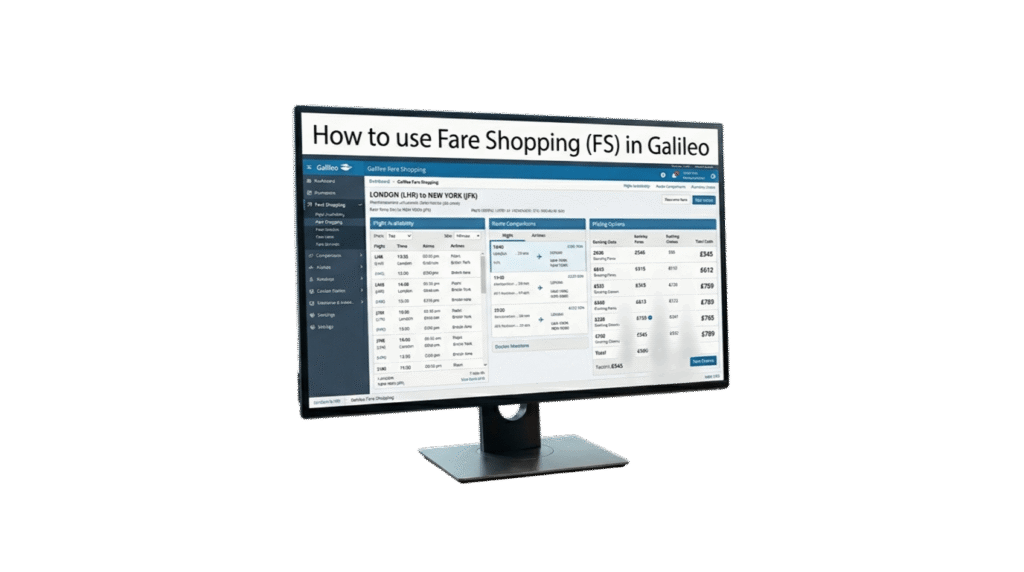
The FS (Fare Shopping) command in Galileo and Travelport Smartpoint allows you to search flights and compare fares in a single entry. It merges seat availability and tariff data into one request, making it one of the fastest ways to find the best available options for your customers[reference:0].
Whether you’re searching for a simple one-way flight, a complex multi-city itinerary, or filtering by airline preferences and fare conditions, FS gives you the flexibility to refine your search without leaving the terminal.
Most Useful FS Commands
Below is a quick reference for the most common Galileo FS entries. Replace the city codes and dates with your own itinerary.
| Command | Description |
|---|---|
| FSCAI15JULSHJ | One-way journey |
| FSCAI15JULSHJ22JULCAI | Round-trip journey |
| FSCAI15JULSHJ20JULAUH25JULCAI | Multi-city journey |
| FS2CAI15JULSHJ22JULCAI | Search for 2 passengers |
| FSACAI15JULSHJ | Lowest fare search regardless of seat availability |
| FSCAI15JULSHJ/G9 | Preferred airline |
| FSCAI15JULSHJ-ECON22JULCAI-BUSNS | Different cabin class per sector |
| FSCAI15JULSHJ.D22JULCAI.D | Direct flights only |
| FSCAI15JULSHJ+*C10 | Child fare (10 years old) |
| FSCAI15JULSHJ+:P | Private fares only |
| FSCAI15JULSHJ+BAG | Fares including baggage |
| FSCAI15JULSHJ+PE00 | No-penalty fares |
| FSCAI15JULSHJ++/G9 | Preferred airline Air Arabia |
| FSCAI15JULSHJ++/G9# | Air Arabia only |
| FS++EK-/QR- | Exclude specific airlines |
| FSCAI15JULSHJ++//*A | Search within Star Alliance |
| FSCAI15JULSHJ++FIRST | First Class only |
| FSCAI15JULSHJ++BUSNS | Business Class only |
| FSCAI15JULSHJ++RMC0200 | Maximum connection time of 2 hours |
Practical Example
Let’s walk through a real-world scenario. You need to search for a round-trip flight from Cairo to Sharjah on Air Arabia only, with no penalties.
The Command
Breakdown
- FS — Fare Shopping command
- CAI — Cairo (origin)
- 15JUL — Departure date
- SHJ — Sharjah (destination)
- 22JUL — Return date
- CAI — Cairo (return destination)
- +PE00 — No-penalty fares only
- ++/G9# — Air Arabia only
Frequently Asked Questions
What is the FS command in Galileo?
How do I search for a round-trip fare in Galileo FS?
FSCAI15JULSHJ22JULCAI searches for a round-trip journey from Cairo to Sharjah and back.What does the +PE00 modifier do in Galileo FS?
+PE00 modifier in Galileo FS filters the search to show only fares with no penalties (zero penalty). It is useful when the passenger needs maximum flexibility for changes or cancellations.How do I book a pricing option in Galileo FS?
FSK1 to book pricing option 1. For other options, replace 1 with the relevant option number (e.g., FSK2 for option 2).How do I display fare rules for a specific FS option?
FQN followed by the pricing option number. For example, FQN3 displays the fare rules for pricing option 3. You can also use FQN*PE to display only the penalties section.Can I search for a specific airline in Galileo FS?
/G9 modifier to specify a preferred airline (e.g., FSCAI15JULSHJ/G9 for Air Arabia). To force the search to return only that airline, append the # symbol (e.g., FSCAI15JULSHJ++/G9#).📚 Related Guides
Practise Galileo FS in a Safe Simulator
Create a free GDS HUB account and practise Fare Shopping, pricing options and navigation commands in a simulated Galileo environment — no live data, no risk.
Start Practising Free →


