How to Retrieve a Past Date Booking in Sabre: PNR, Ticket & Name Recall
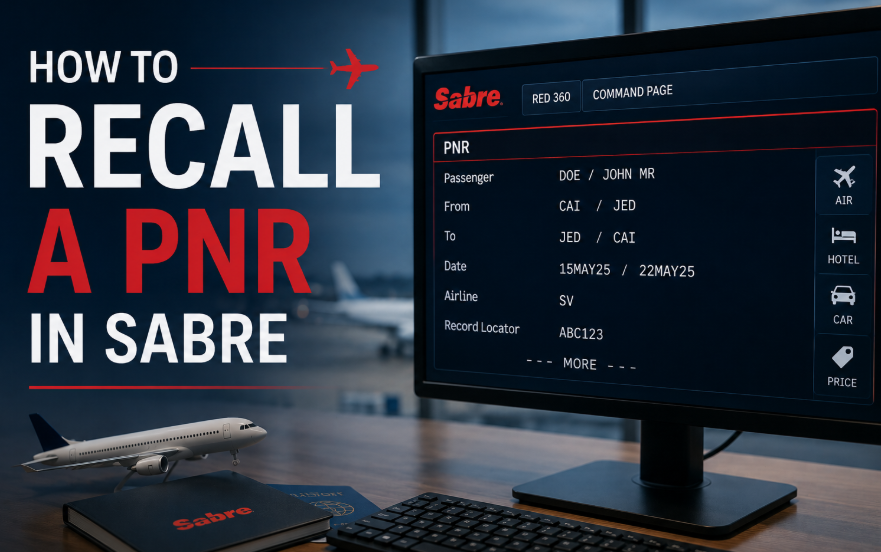
If you need to retrieve a past date booking in Sabre, you can search using the record locator, ticket number, or passenger name. This is especially useful when assisting customers, checking previous reservations, or reviewing ticket details.
Whether you’re a new agent learning the Sabre reservation system or an experienced consultant looking for a quick refresher, these recall commands will help you locate any booking in seconds — even if it was created months ago.
Recall Commands
Sabre offers three primary methods to recall a past date booking. Choose the one that matches the information you have available.
| Action | Command |
|---|---|
| Recall by PNR | *PNR-P |
| Recall by ticket number | *TKT13XXXXXXXXXXXX-P |
| Recall by passenger name | *N-LASTNAME/FIRSTNAME TITLE-P |
Examples
Here are practical examples for each recall method. Replace the PNR, ticket number, or passenger details with your own.
| Search Type | Example |
|---|---|
| PNR | *ABC123-P |
| Ticket Number | *TKT131765432109876-P |
| Passenger Name | *N-SMITH/JOHN MR-P |
When Multiple Bookings Are Found
Sometimes a name or ticket search may return more than one booking. When this happens, Sabre displays a list of matching reservations on screen.
Use the line number displayed on the screen to open the correct reservation.
| Action | Command |
|---|---|
| Open a booking from the list | *2 |
Example
*L to return to the similar name list.
Displaying the Rest of a Long PNR
If the PNR is long and not all information appears on one screen, use the MD (Move Down) command to view the next page.
| Action | Command |
|---|---|
| Move Down (next page) | MD |
Continue entering MD until you’ve viewed all booking details. Other navigation commands include MU (move up), MT (move to top) and MB (move to bottom).
Quick Reference
Bookmark this table for quick access during your daily work.
| Function | Command |
|---|---|
| Recall by PNR | *PNR-P |
| Recall by Ticket Number | *TKT13XXXXXXXXXXXX-P |
| Recall by Passenger Name | *N-LASTNAME/FIRSTNAME TITLE-P |
| Open booking from list | *Line Number |
| Display next page | MD |
Frequently Asked Questions
How do I retrieve a past date booking in Sabre?
*PNR-P), by ticket number (*TKT followed by the 13-digit number and -P), or by passenger name (*N-LASTNAME/FIRSTNAME TITLE-P).What is the Sabre command to retrieve a PNR by record locator?
*PNR-P followed by the record locator. For example, *ABC123-P retrieves the PNR with record locator ABC123.How do I recall a booking by ticket number in Sabre?
*TKT followed by the 13-digit ticket number and -P. For example, *TKT131765432109876-P retrieves the booking associated with that ticket number.How do I retrieve a PNR by passenger name in Sabre?
*N- followed by the surname, first name and title, then -P. For example, *N-SMITH/JOHN MR-P retrieves the booking for John Smith.What happens if a Sabre name search returns multiple bookings?
* followed by the line number to open the correct reservation. For example, *2 opens the booking displayed on line 2.How do I see the rest of a long PNR in Sabre?
MD to move down to the next page. Continue entering MD until you have viewed all booking details.📚 Related Guides
Practise Sabre Recall Commands in a Safe Simulator
Create a free GDS HUB account and practise retrieving past date bookings, handling multiple results and navigating long PNRs in a simulated Sabre environment — no live data, no risk.
Start Practising Free →


