Blog
-
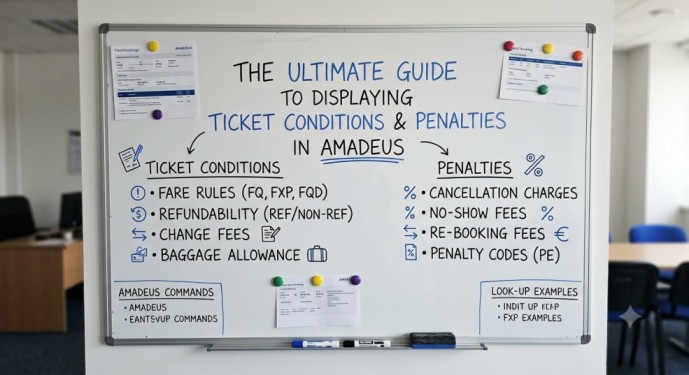
How to Display Ticket Conditions in Amadeus
In the fast-paced world of travel agencies, issuing a ticket is just the beginning. The real expertise lies in understanding the fine print—specifically, the change fees, cancellation penalties, and No-Show rules attached to that ticket. Amadeus provides a powerful suite of commands to drill down into these conditions. However, many agents struggle with retrieving historical fare…
-
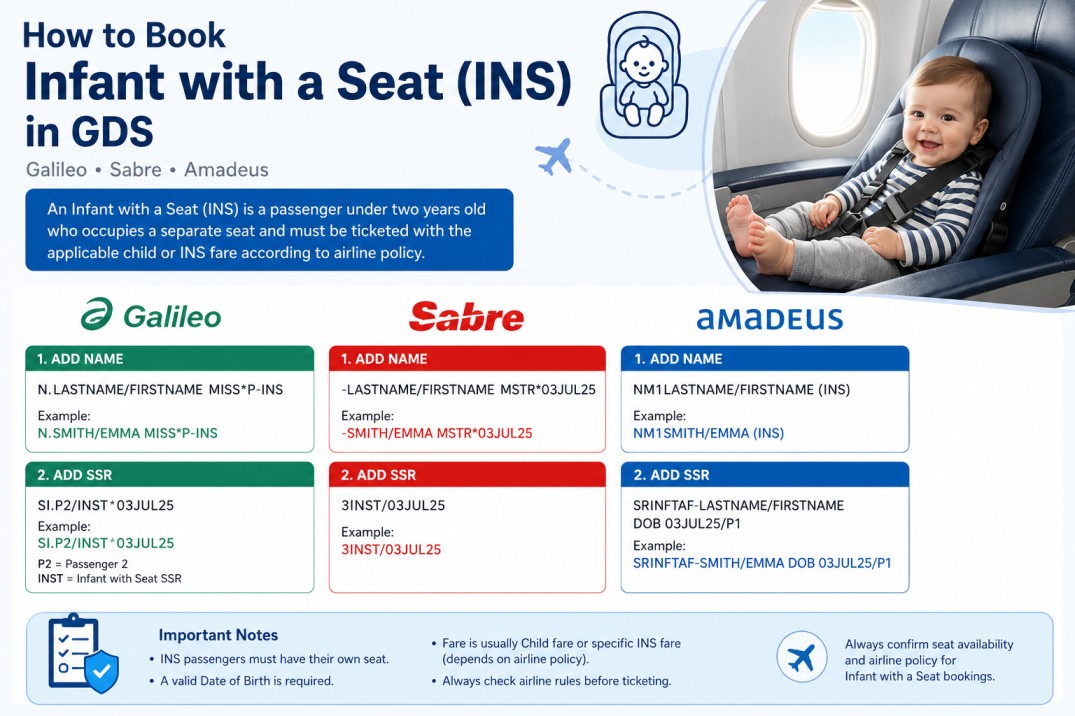
How to Book an Infant with a Seat in Amadeus & GDS
When creating airline reservations, one of the most misunderstood passenger types is the Infant with a Seat (INS). Many beginners know how to book a regular infant (INF), but they become confused when the airline requires the infant to occupy a separate seat. Fortunately, all major Global Distribution Systems (GDS) support this type of…
-

Amadeus Lesson 12: How to add seat Selection & EMD Issuance
Amadeus Lesson 10: How to Change Passenger Name in PNR Amadeus Lesson 9: How to issue ticket Amadeus Lesson 8: How to add FOP, Commission &(FV) Linkedin
-
Amadeus Lesson 11: Special Meals & Wheelchair Requests (SSR)
Amadeus Lesson 9: How to issue ticket Amadeus Lesson 8: How to add FOP, Commission &(FV) Amadeus Lesson 7: How to add passport Information (SR DOCS) Linkedin
-
Amadeus Lesson 10: How to Change Passenger Name in PNR
Amadeus Lesson 8: How to add FOP, Commission &(FV) Amadeus Lesson 7: How to add passport Information (SR DOCS) Amadeus Lesson 6: How to price a PNR(FXX, FXP, FXR & FXB) Linkedin
-
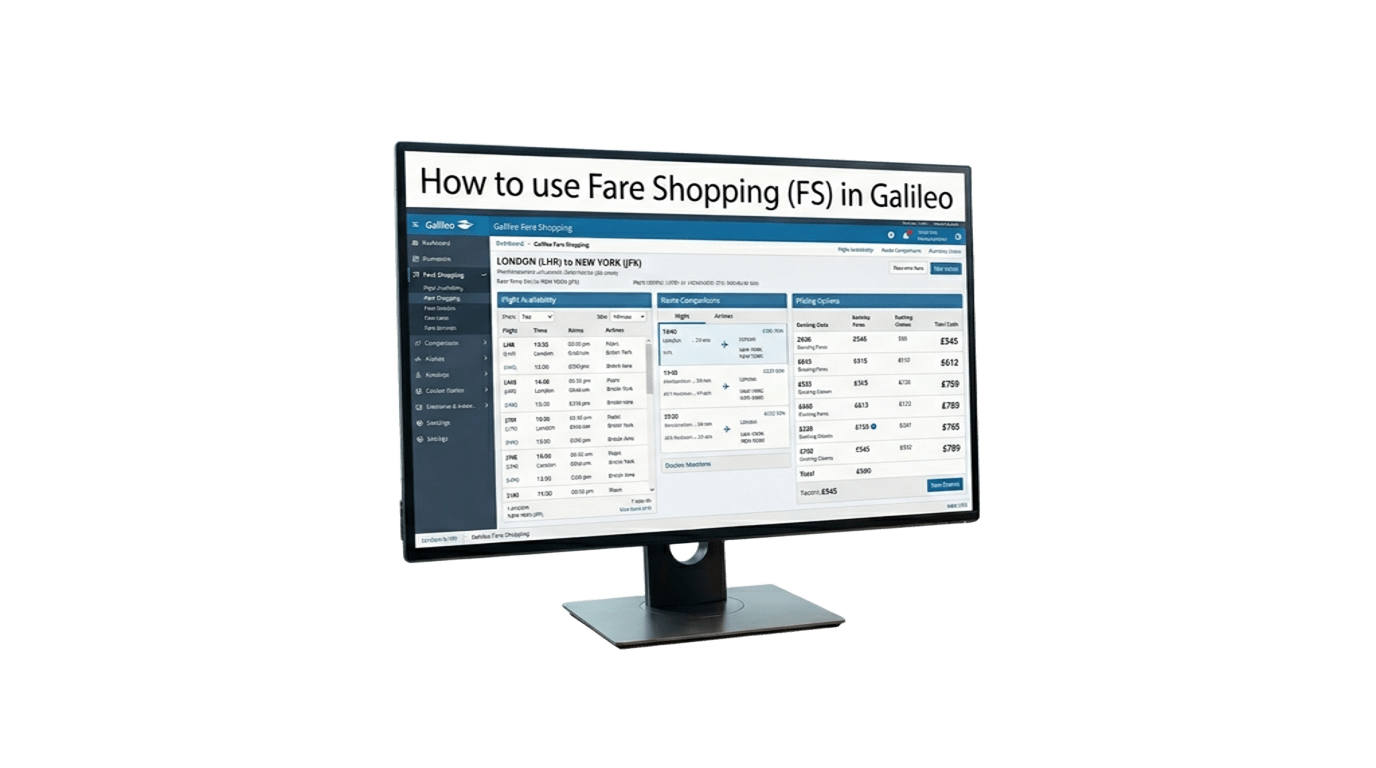
Galileo FS : Essential Commands for Finding the Best Airfare
The FS (Fare Shopping) command in Galileo/Smartpoint allows you to search flights and compare fares in a single entry. It is one of the fastest ways to find the best available options for your customers. Most Useful FS Commands Command Description FSCAI15JULSHJ One-way journey FSCAI15JULSHJ22JULCAI Round-trip journey FSCAI15JULSHJ20JULAUH25JULCAI Multi-city journey FS2CAI15JULSHJ22JULCAI Search for 2…
-
Amadeus FXD: Essential Commands for Finding the Best Airfare
FXD (Master Pricer) is one of the most useful Amadeus commands for finding the lowest available fares and alternative flight options. It allows agents to search by date, airline, cabin class, connection points, and more. The table below includes the most commonly used FXD entries for daily reservations work. Command Purpose FXDLHR/D15SEPDXB Search a…
-

INVALID – PAST DATE SEGMENT
This error appears when using pricing commands such as FXP, FXX, FXB, or FXR. Cause: The system detects that the segment you are trying to price has already been flown or its travel date has passed. Example scenario:A segment shows status FLWN (flown), meaning it has already been used. The system will not price it as a regular active segment…
-
FREQUENT FLYER/SSR INPUT RESTRICTED
This error appears when you try to manually enter a frequent flyer number in the PNR using the SR FQTV command. Why it happens: Some airlines restrict manual SR FQTV entries for security or policy reasons. The system blocks the manual input and returns this error. How to fix it: EXCHANGE DOC IN FO DOES NOT MATCH ETKT…
-
EXCHANGE DOC IN FO DOES NOT MATCH ETKT RECORD
This error occurs when you attempt to reissue a ticket (via TTP/EXCH or TTP/RT). Why it happens: The system compares the old ticket number stored in the FO element (which holds the exchange document info) against the actual ticket record. If there is any discrepancy – a wrong airline code, an incorrect ticket number, or a formatting mistake –…