Blog
-
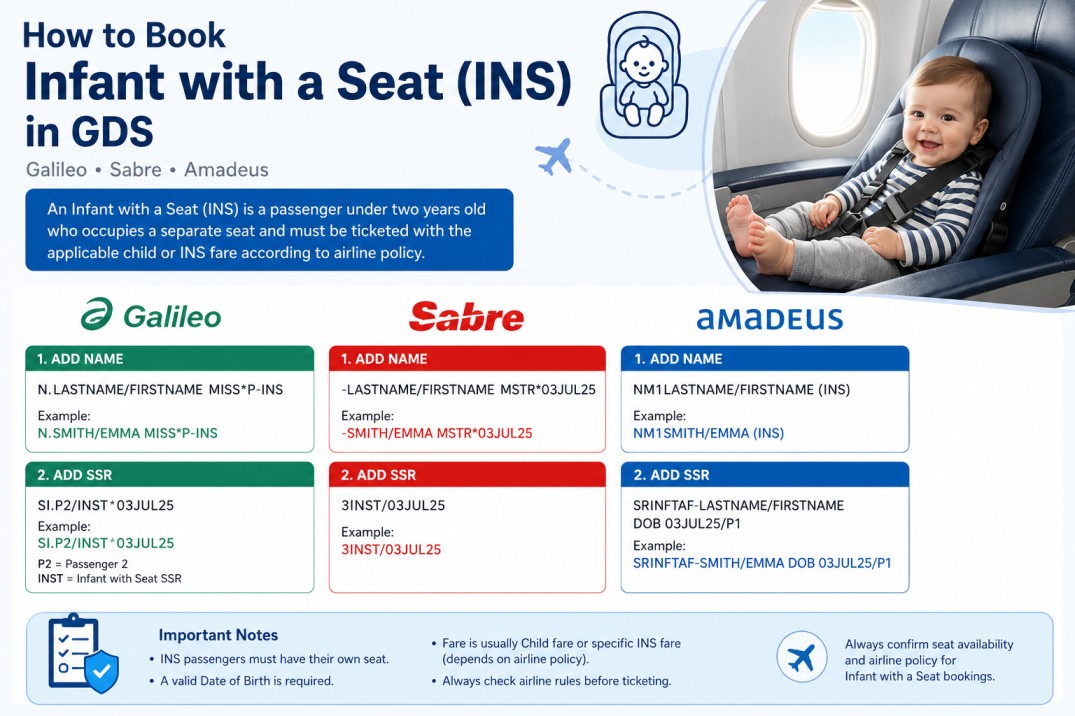
How to Book an Infant with a Seat in Amadeus & GDS
When creating airline reservations, one of the most misunderstood passenger types is the Infant with a Seat (INS). Many beginners know how to book a regular infant (INF), but they become confused when the airline requires the infant to occupy a separate seat. Fortunately, all major Global Distribution Systems (GDS) support this type of…
-
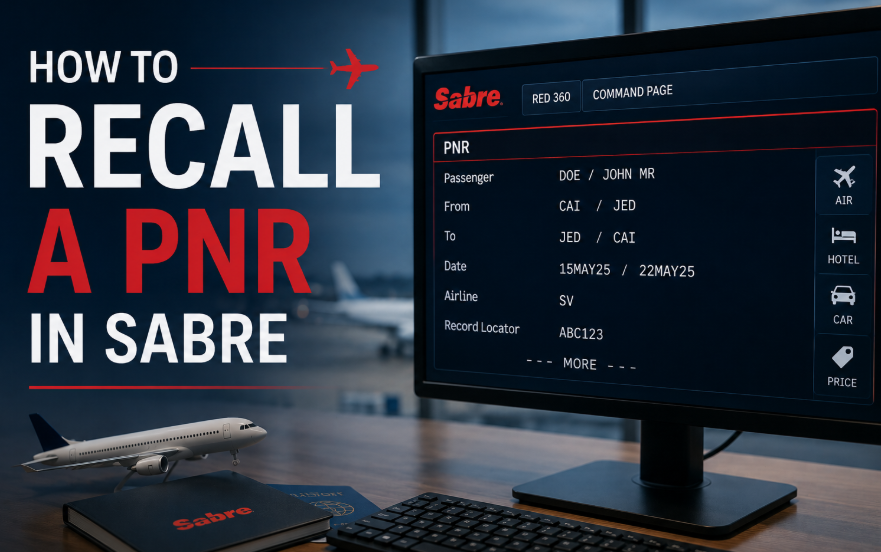
How to Retrieve a Past Date Booking in Sabre
If you need to retrieve a past date booking in Sabre, you can search using the record locator, ticket number, or passenger name. This is especially useful when assisting customers, checking previous reservations, or reviewing ticket details. Recall Commands Action Command Recall by PNR *PNR-P Recall by ticket number *TKT13XXXXXXXXXXXX-P Recall by passenger name…
-
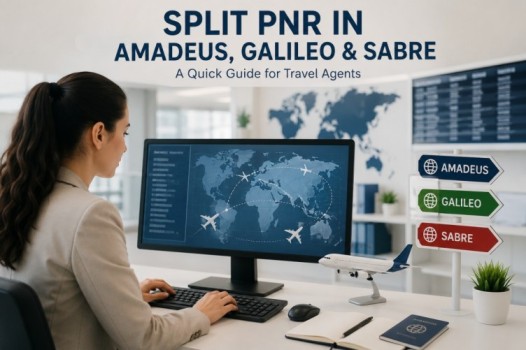
Split PNR Commands in Amadeus, Galileo, and Sabre
Splitting a PNR allows travel agents to separate one or more passengers from the original booking into a new reservation. Below is a quick reference table for Split PNR commands in Amadeus, Galileo, and Sabre. Action Command Divide one passenger DP1 Divide multiple passengers DP1-3.6 Divide unnamed group passengers DG/10 Divide named and unnamed…
-

How to clone PNR in Amadeus , Galileo and saber
Copying or cloning a PNR is one of the most useful functions in any GDS system. Travel agents use these commands to duplicate itineraries, copy passenger information, or create new bookings faster without re-entering all details manually. This quick guide covers the most common PNR copy commands in Amadeus, Galileo, and Sabre. Amadeus PNR…
-
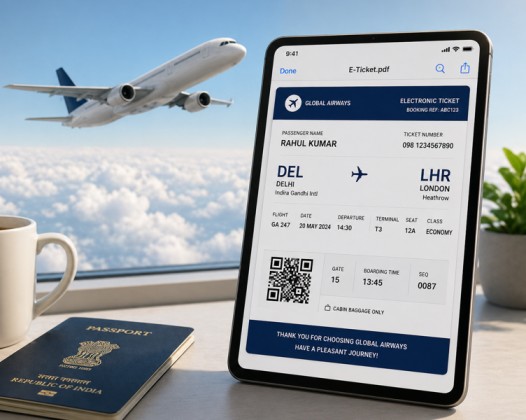
how to send Itineraries via Amadeus, Galileo, Sabre
Travel agents handle hundreds of PNRs daily, so using the correct GDS commands is essential for saving time and avoiding mistakes. This guide covers commonly used commands in Amadeus, Galileo, and Sabre for sending itineraries and displaying ticket PDFs. Amadeus Send itinerary without price Display itinerary PDF in browser (without price) Send itinerary for…
-
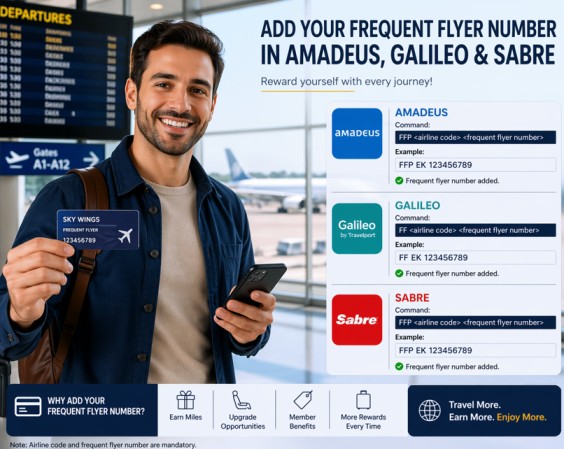
How to Add a Frequent Flyer in Amadeus, Galileo & Sabre
Let’s be honest – adding a frequent flyer number to a booking should be easy, but every GDS does it differently. I’ve been there. You have a passenger standing in front of you, and they say:“I want to earn miles on this flight.” Here’s how you actually do it in Sabre, Galileo, and Amadeus – without…
-
How to add Passport Data in Amadeus Galileo Sabre
Target Audience: Travel Agents, Airline Ticketing Staff, GDS Users Linking a passenger’s passport information to their booking (PNR) is mandatory for international flights. Each Global Distribution System (GDS) uses a slightly different command. Below is a quick, practical guide for Amadeus, Galileo, and Sabre. 1. Amadeus – Format Use the command SRDOCS followed by the details. The structure is: SRDOCS<airline…
-
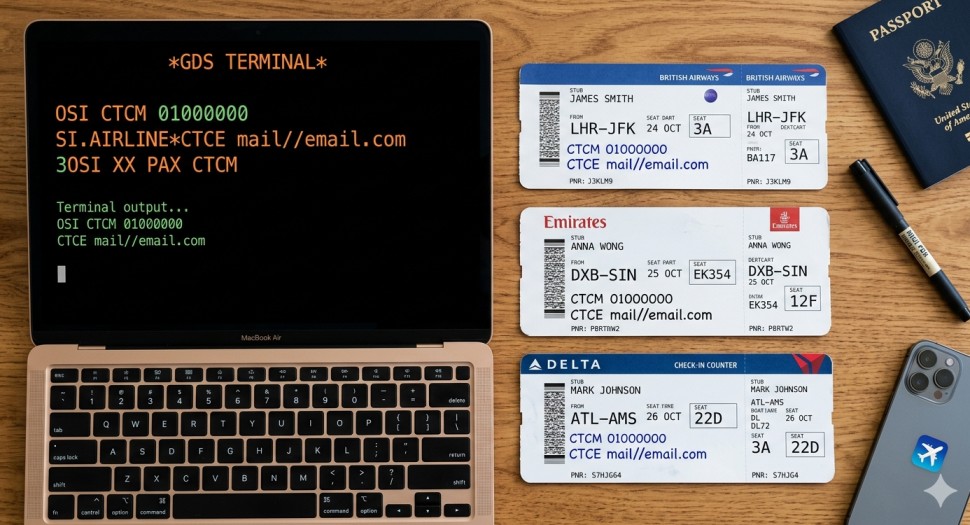
How to add contact details in Amadeus, Galileo, Sabre
You still need to manually add a passenger’s mobile and email into the PNR. Not for marketing. For flight updates, irregular ops, and check-in alerts. Each GDS does it differently. Here is the exact syntax for Amadeus, Galileo, and Sabre. No extra words. 1. Amadeus Add mobile (OSI format) text OS CTCM 01000000 No…
-
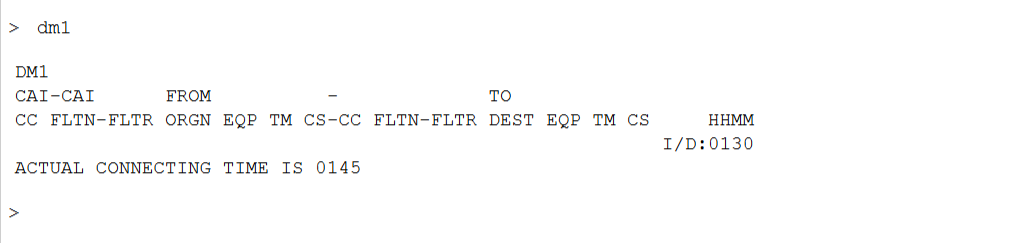
Minimum Connecting Time (MCT) – Quick Guide
Minimum Connecting Time (MCT) is the minimum time required between two flights for a passenger to successfully connect at a specific airport.If the connection is below MCT, the itinerary is considered invalid. Why It’s Important Check MCT with Existing Segments Amadeus If you already have segments: DM1 ExampleActual connecting time is 01:45→ This means…
-

How to Transfer PNR in Galileo, Amadeus & Sabre
Sharing a PNR between offices is a daily task for travel agents, especially when handling teamwork, ticketing, or support cases. Each GDS system has its own way of transferring or granting access to a booking. Here’s a simple, practical guide. Galileo (Travelport) In Galileo, PNR sharing is mainly handled through queues. This sends the…