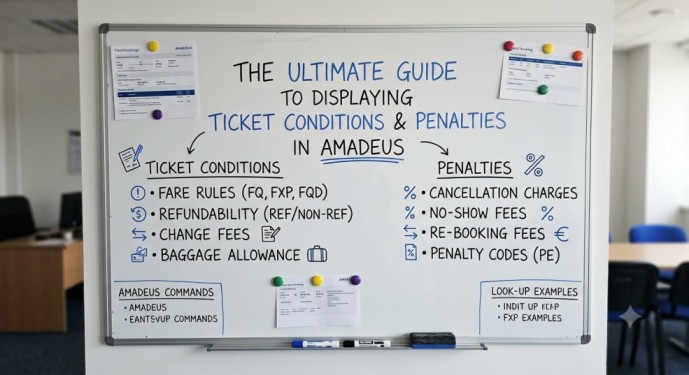
In the fast-paced world of travel agencies, issuing a ticket is just the beginning. The real expertise lies in understanding the fine print—specifically, the change fees, cancellation penalties, and No-Show rules attached to that ticket. Amadeus provides a powerful suite of commands to drill down into these conditions. However, many agents struggle with retrieving historical fare…

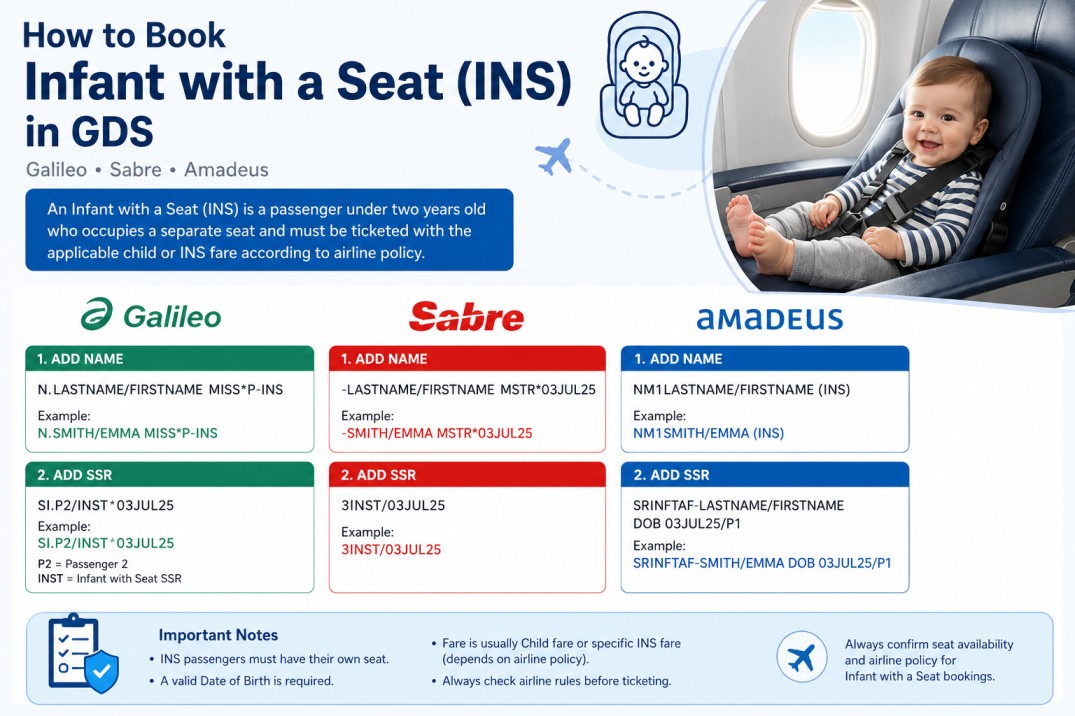
When creating airline reservations, one of the most misunderstood passenger types is the Infant with a Seat (INS). Many beginners know how to book a regular infant (INF), but they become confused when the airline requires the infant to occupy a separate seat. Fortunately, all major Global Distribution Systems (GDS) support this type of…

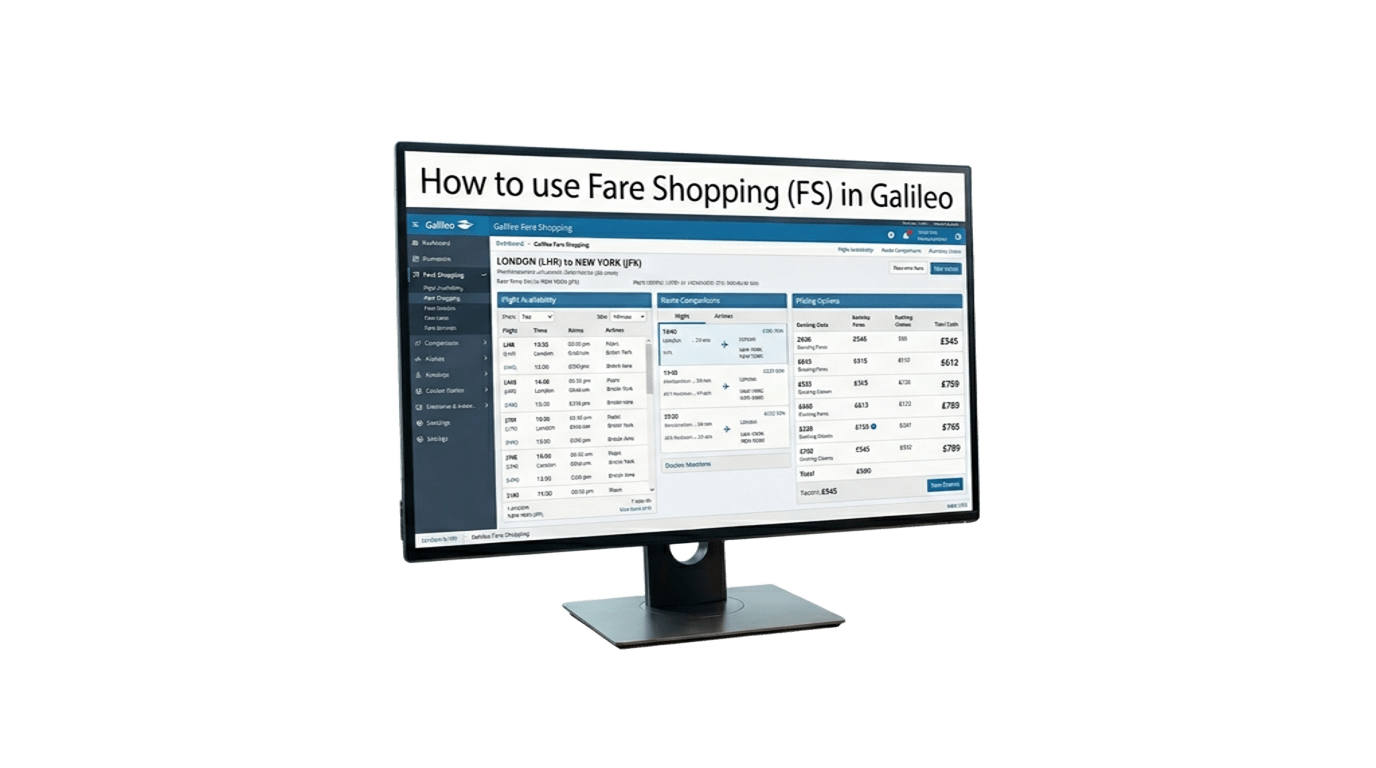
The FS (Fare Shopping) command in Galileo/Smartpoint allows you to search flights and compare fares in a single entry. It is one of the fastest ways to find the best available options for your customers. Most Useful FS Commands Command Description FSCAI15JULSHJ One-way journey FSCAI15JULSHJ22JULCAI Round-trip journey FSCAI15JULSHJ20JULAUH25JULCAI Multi-city journey FS2CAI15JULSHJ22JULCAI Search for 2…

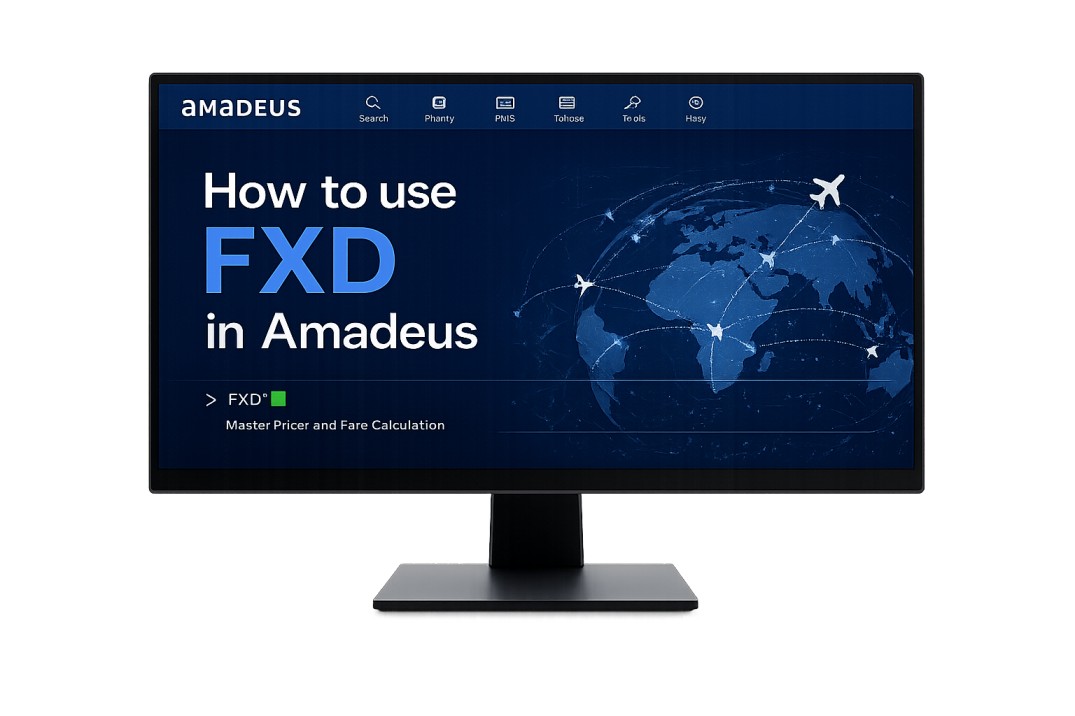
FXD (Master Pricer) is one of the most useful Amadeus commands for finding the lowest available fares and alternative flight options. It allows agents to search by date, airline, cabin class, connection points, and more. The table below includes the most commonly used FXD entries for daily reservations work. Command Purpose FXDLHR/D15SEPDXB Search a…

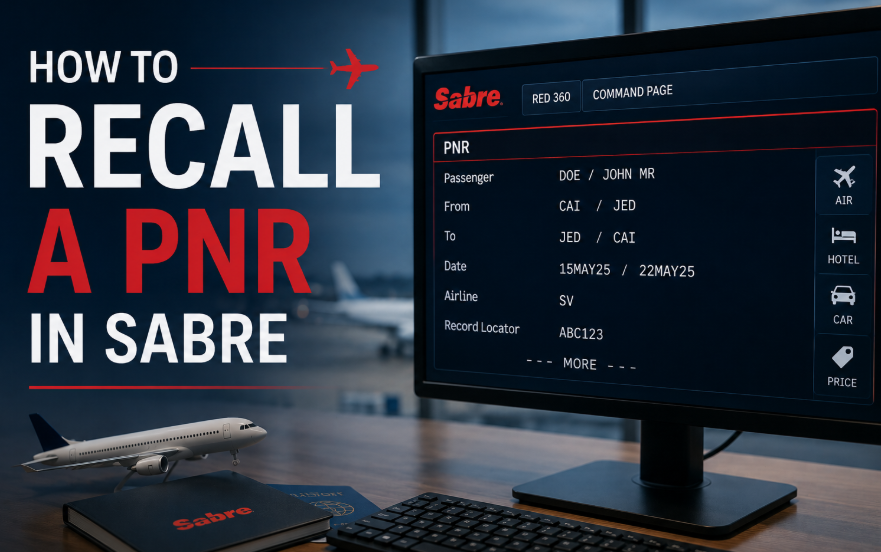
If you need to retrieve a past date booking in Sabre, you can search using the record locator, ticket number, or passenger name. This is especially useful when assisting customers, checking previous reservations, or reviewing ticket details. Recall Commands Action Command Recall by PNR *PNR-P Recall by ticket number *TKT13XXXXXXXXXXXX-P Recall by passenger name…

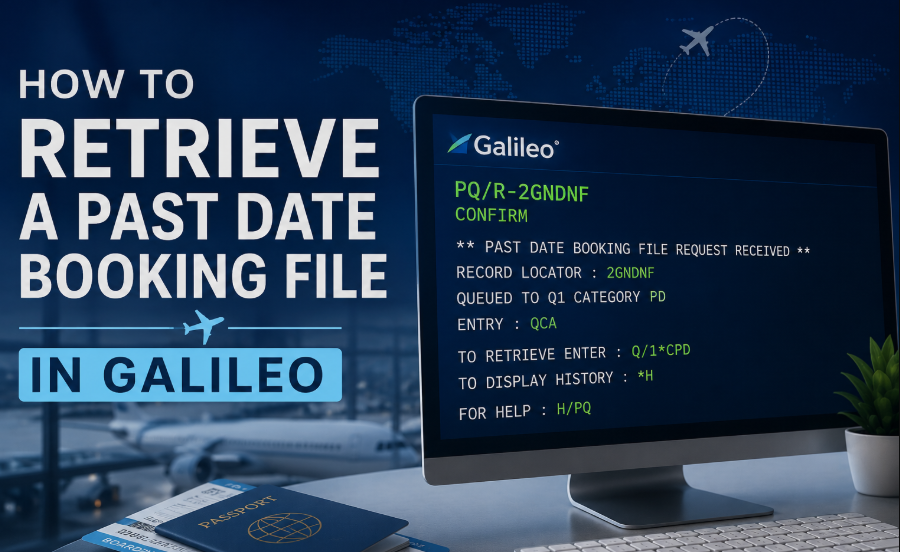
Need to access an old Galileo booking after travel has been completed? Galileo allows you to retrieve a Past Date Booking File (PDR) using the record locator. This is useful when checking ticket history, investigating customer inquiries, reviewing changes, or verifying previous booking activity. Requesting a Past Date Booking Use the booking’s record locator…

Sometimes you may need to access an old or closed PNR to check booking details, ticket information, fare history, or previous transactions. Amadeus provides several commands that allow you to retrieve archived bookings using either the ticket number or the record locator. If RPP is supported in your office, you can retrieve the PNR…

Splitting a PNR allows travel agents to separate one or more passengers from the original booking into a new reservation. Below is a quick reference table for Split PNR commands in Amadeus, Galileo, and Sabre. Action Command Divide one passenger DP1 Divide multiple passengers DP1-3.6 Divide unnamed group passengers DG/10 Divide named and unnamed…

Copying or cloning a PNR is one of the most useful functions in any GDS system. Travel agents use these commands to duplicate itineraries, copy passenger information, or create new bookings faster without re-entering all details manually. This quick guide covers the most common PNR copy commands in Amadeus, Galileo, and Sabre. Amadeus PNR…

Let’s be honest – adding a frequent flyer number to a booking should be easy, but every GDS does it differently. I’ve been there. You have a passenger standing in front of you, and they say:“I want to earn miles on this flight.” Here’s how you actually do it in Sabre, Galileo, and Amadeus – without…