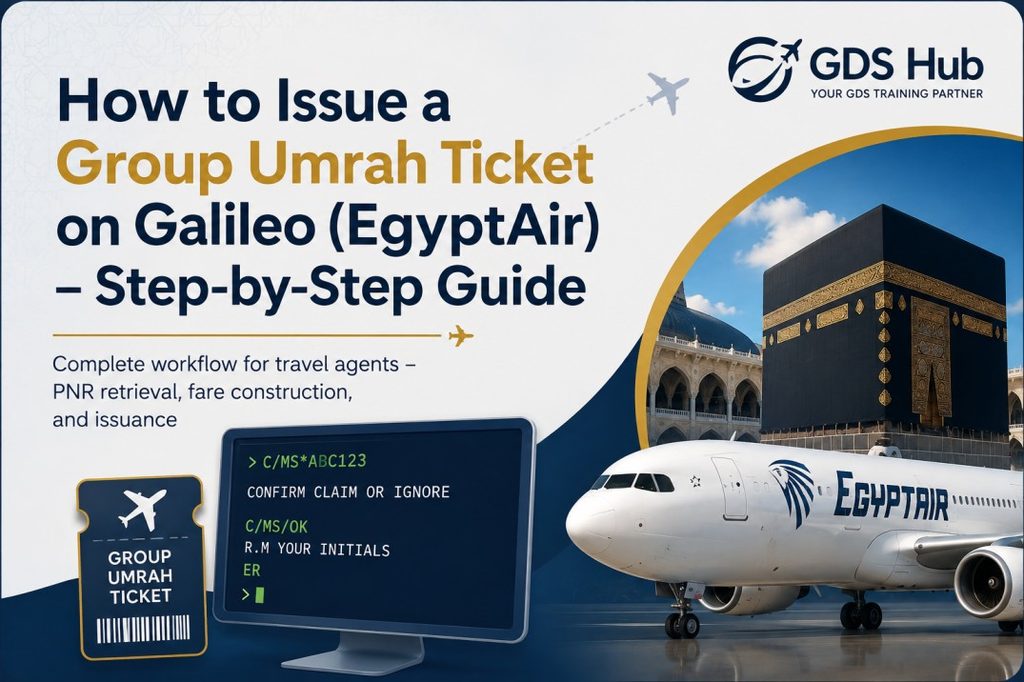
How to Issue a Group Umrah Ticket on Galileo (EgyptAir) – Step-by-Step Guide
Complete workflow for travel agents – PNR retrieval, fare construction, manual pricing, and issuance
If you are a travel professional using the Galileo GDS, issuing a group Umrah ticket on EgyptAir (MS) involves a specific sequence of commands. This guide walks you through every step – from claiming an existing PNR and entering passenger names to manual fare construction and final ticketing.
C/MS/* · FQCMS@KREEGO · TKP1P1-16/FS/TCAGENCY
Master Galileo fare shopping commands to find the best prices for your clients
1. Retrieve the Existing EgyptAir PNR
Start by pulling the reservation that was already created by EgyptAir onto your Galileo screen.
- ➡️
C/MS*[booking reference]
After entering the command, the reservation will be displayed. At the top of the screen, you will see the prompt:
CONFIRM CLAIM OR IGNORE
- If you do not wish to keep the PNR → type
I(Ignore) - To confirm and take ownership → type the following sequence:
C/MS/OK
R.M [your initials]
ER
The PNR will now convert to your standard Galileo format and is ready for further processing.
📖 Related: Learn how to retrieve past date bookings in Galileo – a lifesaver when you need to review completed reservations or investigate customer inquiries.
2. Enter Passenger Names (Standard Format)
Add or verify each passenger name using the standard Galileo name entry:
N.last name/first name mr
Repeat for all group members. Ensure the names match the passport exactly – any discrepancy can cause ticketing failures or boarding issues.
3. Fare Construction (Manual Pricing)
EgyptAir provides a specific fare basis for your group reservation. For this example, we will use KREEGO as the fare basis.
3a. Enter the Fare Quote Command
FQCMS@KREEGO
R.M [initials]
ER
At this point, you will build the fare manually. If you need to convert currencies during fare construction – for example, checking fares in AED or USD – Galileo (and other GDS systems) offer powerful built-in tools. The FQC command in Amadeus and Galileo, or the DC command in Sabre, can handle real-time currency conversions, historical rates, and IATA ROE tables with ease.Master GDS currency conversion commands to avoid manual calculation errors and speed up your workflow.
3b. Build the Fare Step-by-Step
- ➊ Create fare line 1
FB1 - ➋ Update the fare base
FBUFARE/EGP6950.00 - ➌ Enter the fare basis name
FBUFB/KREEGO - ➍ Update the total (includes all taxes and fees)
FBUTTL/ - ➎ Close the fare construction
FBFALL
R.M [initials]
ER
✅ The fare is now fully constructed and stored in line 1.
✈️ Related: Before you issue, make sure you have found the best fare for your client. The Galileo FS (Fare Shopping) commands let you search flights, compare fares, filter by airline, cabin class, baggage, and even exclude specific carriers – all in a single entry.
4. Ticket Issuance
Now that the fare is built, issue the tickets using the command below:
TKP1P1-16/FS/TCAGENCY
Breakdown of the command:
TKP1– use fare line 1P1-16– passengers 1 through 16 (adjust to your group size)/FS– payment method: cash/TCAGENCY– tour code (agency identifier)
5. Split Passengers (Group Management)
If you need to separate passengers within the group – for example, different itineraries or ticket types – use the Galileo DG (Divide Group) command:
DG [passenger range]
Example: DG P3-6 will move passengers 3 to 6 into a new PNR.
✈️ Pro Tips for a Smooth Umrah Ticketing Process
- Always double-check the fare basis code with EgyptAir before building the fare.
- Ensure taxes (EGP) and currency are correctly updated in the
FBUTTL/step. - For group Umrah travel, verify the ticket validity and seasonality rules.
- After issuance, print the ticket and review all passenger details.
- Use GDS currency conversion commands to quickly verify exchange rates when dealing with multi-currency fares.
🎓 Want to Practice Galileo Commands for Free?
If you are new to Galileo or want to sharpen your skills, GDS Hub offers a free web-based training simulator where you can practice Amadeus, Galileo, and Sabre commands in a realistic terminal-style environment. It is an independent educational platform designed for both beginners and experienced travel professionals.
You can also explore their blog for more GDS tips, including currency conversion guides, fare shopping techniques, and past date booking retrieval tutorials.
📚 Related Articles You May Find Useful
- 🔹 Master GDS Currency Conversion: Amadeus, Sabre, Galileo – real-time and historical currency tools every agent should know.
- 🔹 Galileo FS: Essential Commands for Finding the Best Airfare – search flights and compare fares in a single entry.
- 🔹 How to Retrieve a Past Date Booking in Galileo – access old bookings for customer inquiries or ticket history reviews.
📘 Need more Galileo commands? Bookmark this guide for quick reference during your group booking sessions.